AION 2 Global Pre Register: Rewards and Signup Guide
AION 2 Global pre register explained: learn how newsletter signup works, check launch mount rewards and deadlines, and get ready to play on Windows PC.
Jump to
AION 2 Global Pre Register: What to Do After Launch
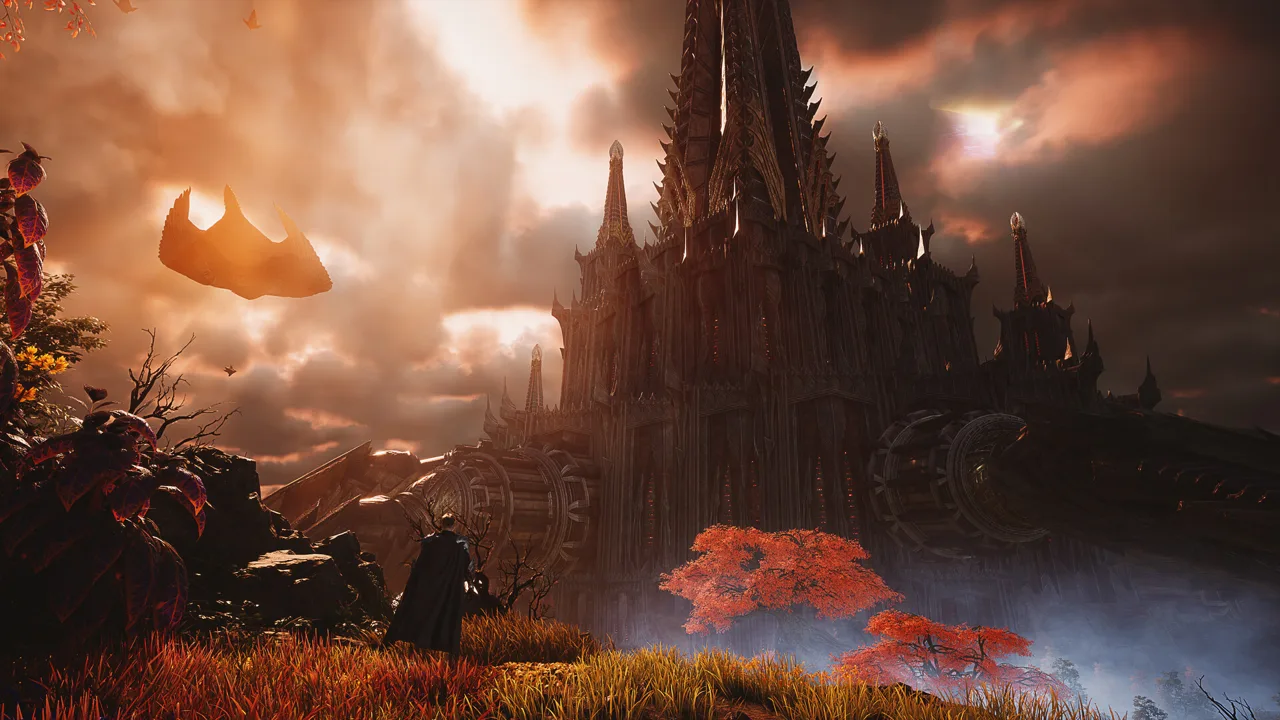
Free mounts are worth checking for before you head into Atreia. If you’re searching for AION 2 Global pre register, the key update is that the Windows Steam release launched on October 5, 2026. Your AION 2 Global pre register checklist now needs to cover account signup, the newsletter, and launch rewards—each has a different purpose.
The Steam release date has already passed. Start with the AION 2 Steam page to access the Windows version, then check the promotion attached to your service region.
The distinction matters because subscribing to email updates and creating a game account are separate actions. The newsletter signup uses email verification. Japan’s launch celebration instead awards mounts to eligible account holders through in-game mail.
| Action | What it does | What to check |
|---|---|---|
| Newsletter signup | Subscribes your email to game updates | Required consent and email verification |
| Steam wishlist | Adds AION 2 to your wishlist | The newsletter form labels this optional |
| Game account creation | Creates your account for the game | The launch campaign’s account deadline |
| Launch reward collection | Collects eligible promotional mounts | Your region’s rules and claim deadline |
Keep those tasks separate when working through an AION 2 Global pre register guide. A completed newsletter form is an email subscription confirmation; the launch campaign has its own account requirements.
For players joining now, the immediate priorities are straightforward: open the correct game page, review the regional reward terms, and check your PC. That gets you closer to playing while keeping the promotional details organized.
How to Complete the Newsletter Signup
The AION 2 English website includes a signup area for updates and rewards. Its required consent options include being at least 18 years old and agreeing to the collection and use of personal information. Adding the game to your Steam wishlist appears as an optional item.
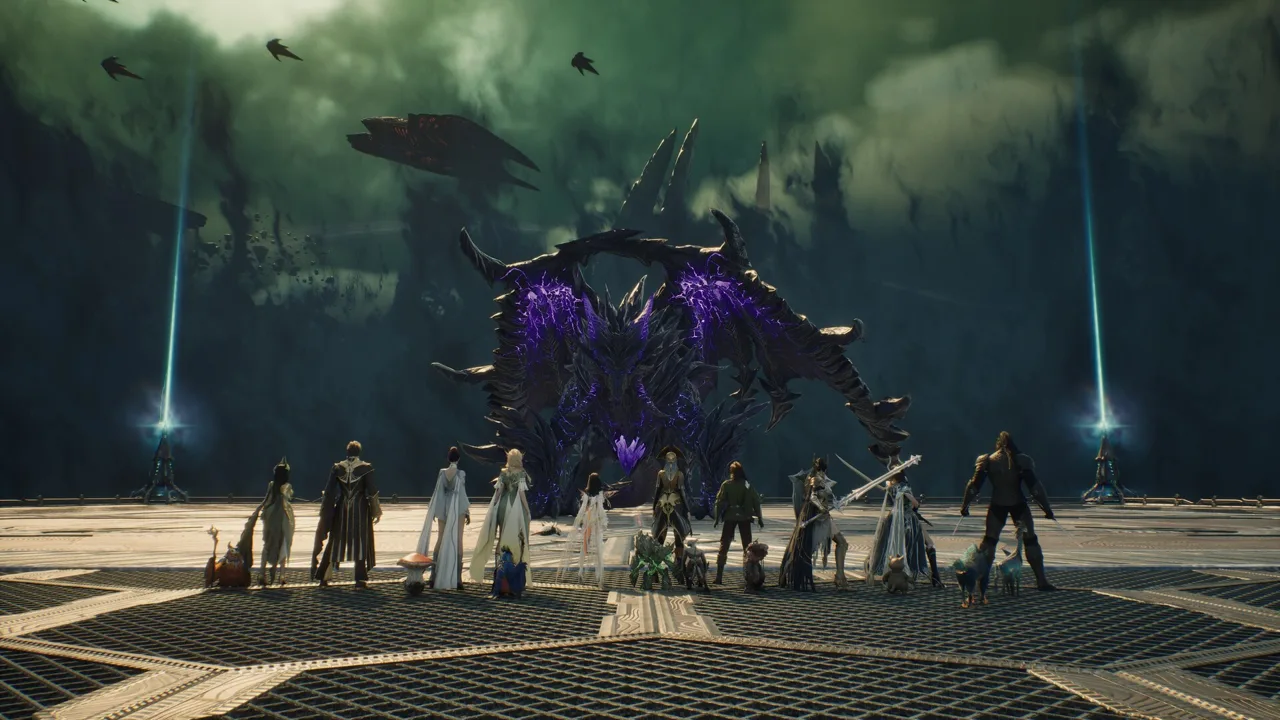 Image: Steam / NC
The newsletter flow uses an email address and a verification code. If the site presents that form, complete the email verification before considering the subscription finished.
| Step | Action | Completion check |
|---|---|---|
| 1 | Open the newsletter signup area | The email subscription form is displayed |
| 2 | Review and accept the required consent items | Required selections are completed |
| 3 | Enter your email and request verification | The verification request is submitted |
| 4 | Open the verification email and copy the code | You have the code for that signup |
| 5 | Enter the code and confirm | The signup completion message appears |
Use an email account you can access easily. You’ll need it for the verification message and for the updates you’re subscribing to receive. Check the spelling before requesting the code so you can finish the process without correcting an avoidable mistake.
The newsletter promotion described two mount rewards: a guaranteed mount and a selection chest offering a choice among four mounts. Its rewards were limited to one claim per email, with delivery after launch.
That explains why an AION 2 Global pre register search can lead you to a newsletter form. The subscription offered game updates alongside promotional gifts, making it useful to players preparing for release.
Keep the subscription’s completion message for your own records. When checking rewards afterward, read the campaign attached to that subscription rather than applying the rules from a different regional event.
Steam wishlisting is a separate optional action in this form. Complete the required consent and verification steps first, then add the game to your wishlist if you want it there. The form’s optional label makes that distinction clear.
Free Mounts: Launch Rewards and Claim Deadlines
Japan’s launch celebration offers two free mounts for logging in, with delivery directly to your in-game mailbox. The campaign describes a guaranteed reward plus one bonus mount.
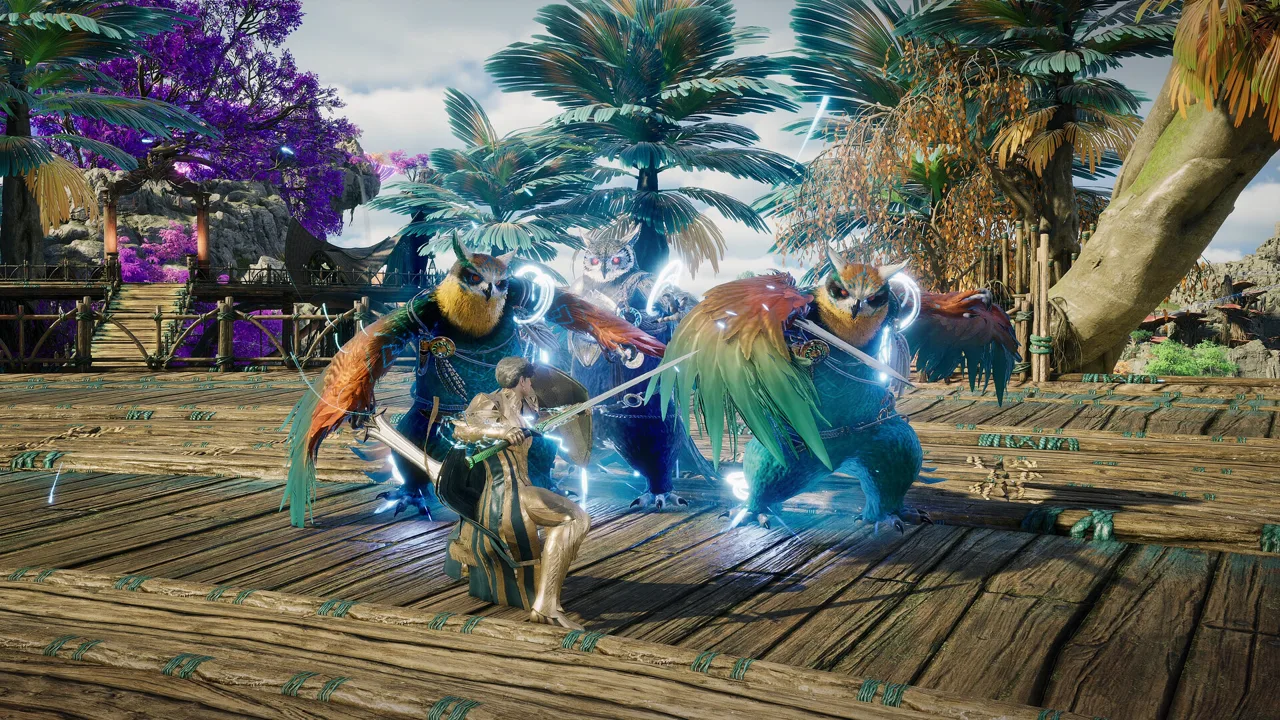 Image: Steam / NC
Its eligibility window extends beyond launch day. Players who create an AION 2 account by December 2, 2026, at 3:30 PM JST qualify under the stated account deadline, and rewards must be claimed by December 9, 2026, at 3:30 PM JST.
| Japan launch campaign detail | Requirement or benefit |
|---|---|
| Official launch date | October 5, 2026 |
| Mount rewards | Two free mounts |
| Account creation deadline | December 2, 2026, at 3:30 PM JST |
| Reward claim deadline | December 9, 2026, at 3:30 PM JST |
| Delivery location | In-game mailbox |
| Reward limit | Once per region |
These are the terms for the Japan service’s launch celebration. Use the Japan AION 2 launch rewards page when checking that campaign, and keep its JST deadlines attached to it.
If you arrived through an AION 2 Global pre register search, pay attention to the difference between the older newsletter offer and this launch celebration. The newsletter uses an email-based reward limit. Japan’s launch celebration uses an account creation deadline and grants rewards once per region.
How to collect the Japan launch gifts
Create your AION 2 account within the campaign’s eligibility window, log in, and check your in-game mailbox. Claim the delivered rewards before the December 9 deadline.
Put both deadlines on your calendar:
- December 2: Account creation eligibility ends at 3:30 PM JST.
- December 9: Reward collection ends at 3:30 PM JST.
The extra week is a claim window, so finish account creation before its earlier cutoff. Keep the time zone visible when setting reminders.
For an AION 2 Global pre register reward check, focus on the promotion you actually joined. Match the signup method, region, delivery method, and deadline before looking for the gifts. That keeps an email subscription offer from getting mixed up with an account-based launch event.
Check Your Windows PC Before Downloading
AION 2’s Steam version supports Windows and is built on Unreal Engine 5. It is free to play and includes in-app purchases.
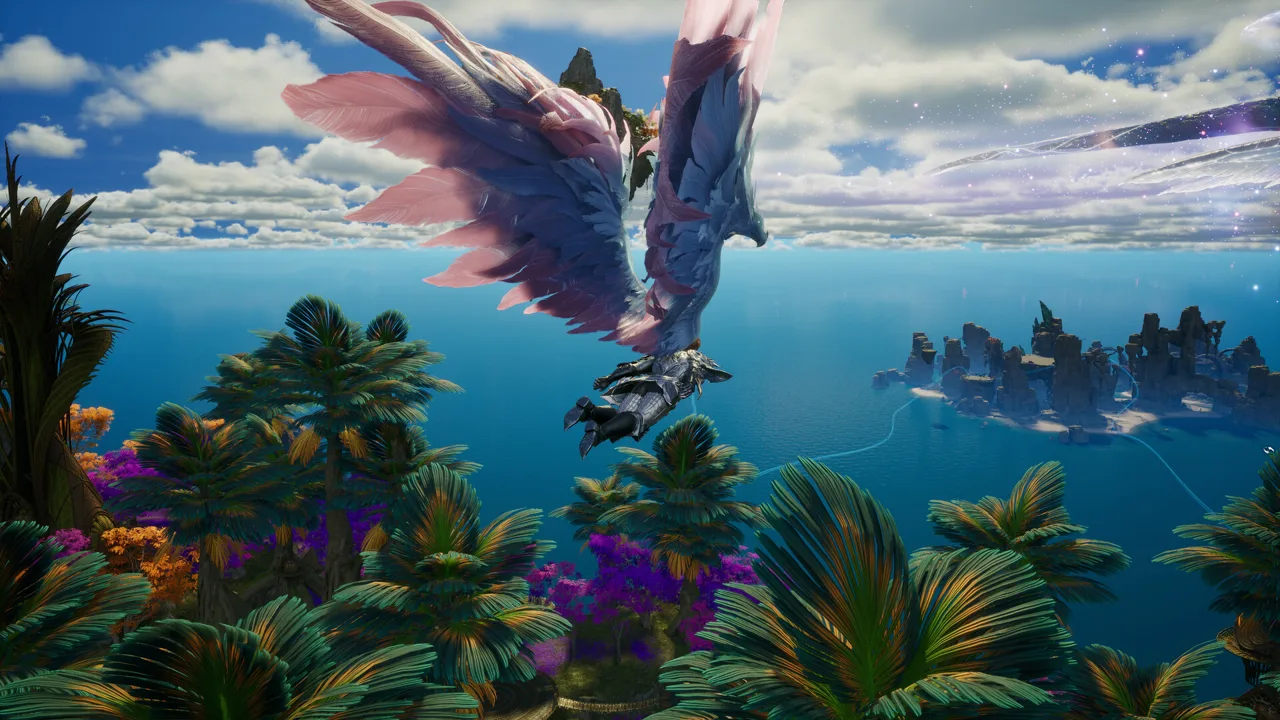 Image: Steam / NC
The game requires a 64-bit processor and operating system, DirectX 12, a broadband internet connection, and 100 GB of available storage. An SSD is recommended.
| Component | Minimum | Recommended |
|---|---|---|
| Operating system | Windows 10/11, 64-bit | Windows 10/11, 64-bit |
| Processor | AMD Ryzen 5 2600 / Intel Core i5-10500 | AMD Ryzen 7 3700X / Intel Core i7-11700 |
| Memory | 8 GB RAM | 16 GB RAM |
| Graphics | NVIDIA GTX 1050 Ti, 4 GB | NVIDIA RTX 2070, 8 GB |
| DirectX | Version 12 | Version 12 |
| Available storage | 100 GB | 100 GB |
| Internet | Broadband connection | Broadband connection |
At FHD resolution, the minimum specification guidance calls for the Very Low graphics preset. The recommended specification guidance calls for Low at FHD.
Match your starting settings to that guidance before adjusting individual options. Check available storage before downloading, and use an SSD if you have one available for the installation.
The Steam version supports English, including full audio. Other supported languages include French, German, Spanish from Spain, Japanese, Brazilian Portuguese, Russian, and Korean. Japanese and Korean also have full audio support.
Accessibility options include adjustable text size, camera comfort, color alternatives, subtitle options, and custom volume controls. Review those settings alongside graphics so the interface, camera, and audio suit how you play.
The hardware check belongs on your AION 2 Global pre register checklist even after release. Finishing a signup takes little preparation; having enough storage and choosing an appropriate graphics preset gets you ready for the actual game.
What Awaits You in Atreia
Once signup and rewards are sorted, AION 2 centers your adventure on the conflict between the Elyos and Asmodians. You become a Daeva in a world built around flight, vertical exploration, and aerial combat.
The world is 36 times larger than the original AION. Height plays a role in combat positioning, so think about the space above and below an encounter as well as the ground directly ahead.
Combat emphasizes timing, precision, positioning, and chaining skills. Pay attention to those elements while learning your class, and experiment with class customization as you find a playstyle you enjoy.
Dungeons and group content
AION 2 features more than 200 dungeons across solo challenges, five-player party content, and ten-player group dungeons. Seasonal challenges, competitive rankings, and open-world events add more activities, while the Abyss connects PvE with faction warfare.
The featured five-player expeditions include:
- Krao Cave: A former Lepharist laboratory with a combat experiment and reawakened security systems.
- Urugugu Canyon: A sacred area where the divine bird Auldor awaits.
- Fire Temple: A lava-filled dungeon involving traps, Watchers, and Kromede’s lingering influence.
- Draupnir: A dungeon shaped by an otherworldly Abyss and Transcendent Bakarma.
Choose content that matches the group you’re assembling. The dungeon formats give you distinct options for playing alone, with a party, or with a larger group.
Pets, customization, and side activities
Pets follow your character, transform into rideable mounts, and can provide benefits such as auto-looting. Character creation includes more than 200 customization options, alongside collectible outfits, mounts, and wings.
The Shugo Festival adds activities such as defending Shugos against enemy waves, racing pets, and dodging lasers. Its rewards include wings, skins, pets, and décor.
Collect your eligible launch gifts before settling into those activities. Then take time with character customization, learn how vertical positioning affects combat, and explore the available dungeon formats with your group.
FAQ
Is AION 2 Global pre register still the right starting point?
The Windows Steam version launched on October 5, 2026. Start with game access and account creation, then check newsletter offers and launch rewards separately.
Does newsletter signup create my game account?
Newsletter signup subscribes your email to updates through a verification-code process. Japan’s launch reward campaign separately requires an AION 2 account created by December 2, 2026, at 3:30 PM JST.
How do I claim the two free launch mounts in Japan?
Create your account before the eligibility deadline and log in. The mounts are delivered to your in-game mailbox, and you must claim them by December 9, 2026, at 3:30 PM JST. Rewards are granted once per region.
Is the Steam version free to play, and how much storage does it need?
AION 2 is free to play on Steam and includes in-app purchases. The Windows version requires 100 GB of available storage, a broadband connection, and DirectX 12. An SSD is recommended.
Continue with
 AION 2 Global Release Date: Launch and Server GuideSee the AION 2 Global release date, early access times, server regions, PC requirements, and launch tips before choosing your faction and joining friends.
More in Release
AION 2 Global Beta: Playtest Changes and Launch Guide
Explore AION 2 Global beta changes, regional servers, free-to-play perks, and PC requirements. Learn what matters for aerial combat and a new adventure.
AION 2 Global Early Access: Dates, Packs, and Servers
AION 2 Global early access starts September 30, with the free-to-play launch on October 5. Check package terms: downloading does not grant early entry.
Join the community
Official channels for news, updates and player help: