AION 2 Global Release Date: Launch and Server Guide
See the AION 2 Global release date, early access times, server regions, PC requirements, and launch tips before choosing your faction and joining friends.
Release at a glance
- Release date
- October 5, 2026
- Platforms
- PC
- Status
- Out now
Out now
Jump to
AION 2 Global Release Date and Early Access Schedule
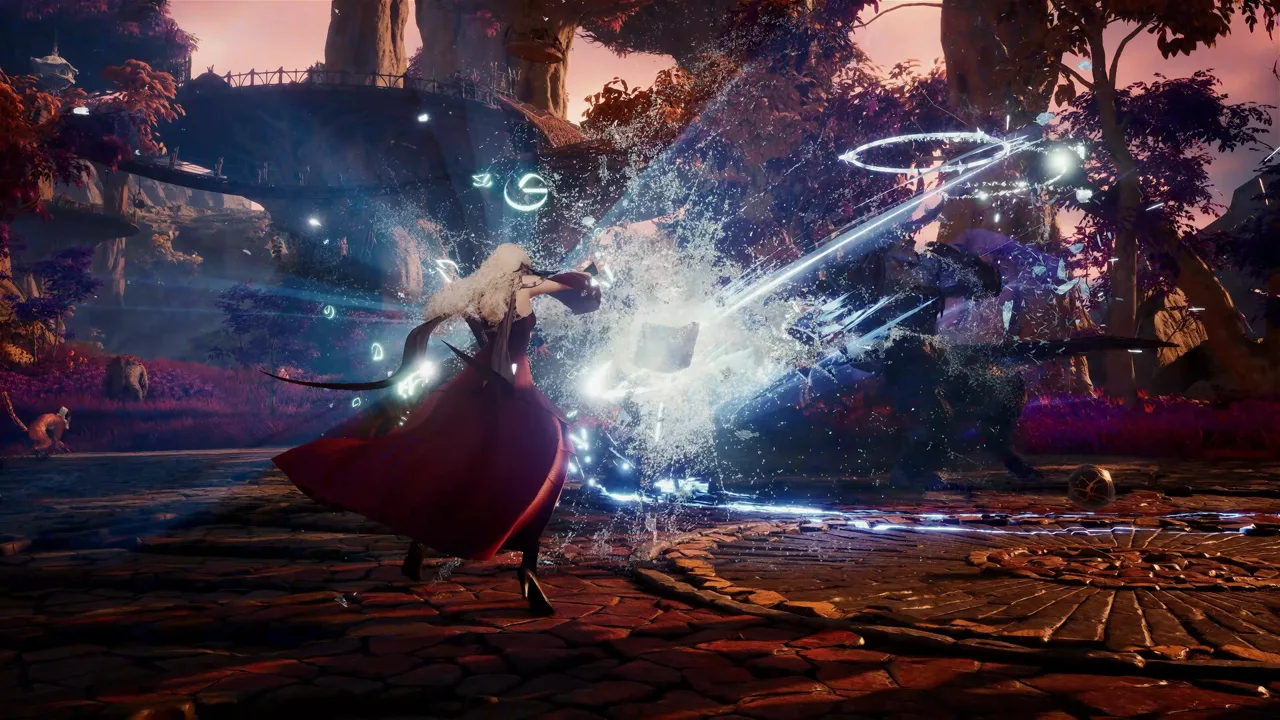
The AION 2 Global release date was October 5, 2026, so the wait for the free-to-play PC launch is over. If you’re joining friends now, your region, faction, and world choices matter more than the five-day head start. Here’s what the AION 2 Global release date means for access, downloads, and getting your group into the same world.
There were two starting points: paid early access on September 30 and the full free-to-play release on October 5. Those dates explain why some characters had already been progressing when free players arrived.
| Launch milestone | Date | Access details |
|---|---|---|
| Five-day early access | September 30 | Included with qualifying founder packages |
| Early access opening time | September 30 | 6:00 a.m. Pacific, 8:00 a.m. Central, 9:00 a.m. Eastern |
| Full free-to-play launch | October 5, 2026 | Free players could begin; launch worlds opened |
The September 30 opening time applies to early access. Keep it separate from the October 5 release date when comparing launch schedules.
For anyone searching for the AION 2 Global release date now, the practical next step is downloading the retail client and deciding where to play. You can download AION 2 on Steam without buying a founder package.
The global release is for Windows PC. Its Unreal Engine 5 world centers on aerial combat, with flight affecting exploration, positioning, and battles. That makes both your hardware and your connection worth checking before committing to a server.
Free-to-Play Access, Founder Packs, and Downloads
You do not need to purchase a founder package to begin playing after the AION 2 Global release date. The paid packages offered an earlier start, membership, and extras; free access began with the October 5 launch.
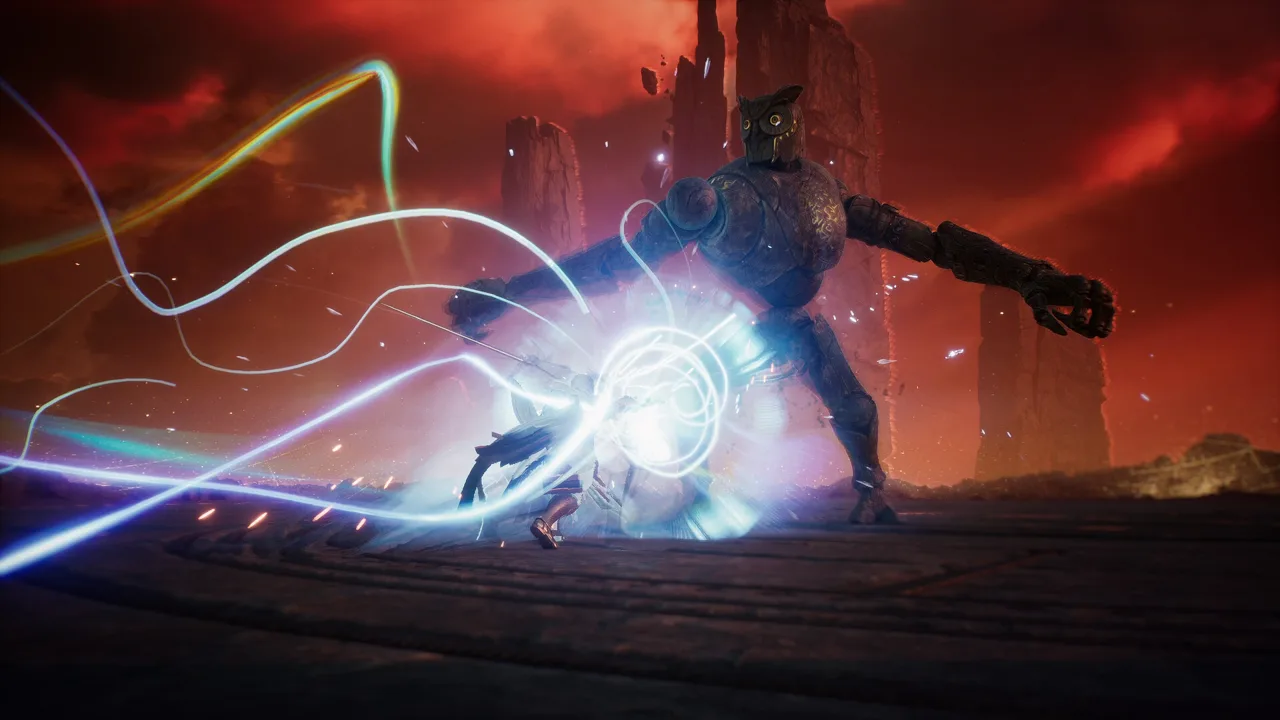 Image: Steam / NC
All three package tiers included the same five-day early access period and 30-day membership. Paying for a higher tier added items rather than an earlier opening time.
| Package tier | Shared launch benefits | Additional contents |
|---|---|---|
| Standard | Five-day early access and 30-day membership | Campaign supply chest and a title |
| Deluxe | Standard contents and the same launch benefits | Additional armor and weapon skins |
| Ultimate | Deluxe contents and the same launch benefits | Styling chest, another armor skin, black dragon pet, and wings |
The Ultimate package’s black dragon pet also has mount functionality and comes already maxed. Its extra value includes traversal convenience, without additional combat stats. Choose premium cosmetics because you want those items, rather than expecting the dragon to deliver a major combat advantage.
Since the early access period has passed, evaluate any package still offered by its current contents and membership benefits. A past head start cannot help a character you create today.
Free Entry and Membership Are Different
Free-to-play access does not mean every economy feature is unrestricted. Membership includes benefits tied to market interaction, currency exchange, convenience, and rewards. Direct player-to-player trading is disabled in the global version, which makes access to market features especially relevant.
Passes can also include progression materials and currencies, and some are character-specific. Check which character receives a purchase before spending money, particularly if you are still deciding on your main.
Install the Retail Client
The preload was approximately 81 GB, while the PC storage requirement is 100 GB of available space. Use the storage requirement when preparing your drive; the download size alone is not enough to plan an installation.
Playtest files do not automatically become the launch client. Install the retail version separately if your existing files came from a test.
Preloading was available to free players as well as founder-package buyers. Now that launch has passed, focus on installing the correct client and leaving enough drive space for it.
Server Regions, Launch Worlds, and Playing With Friends
The AION 2 Global release date also marked a second wave of worlds. Early access worlds opened on September 30, followed by new launch worlds on October 5.
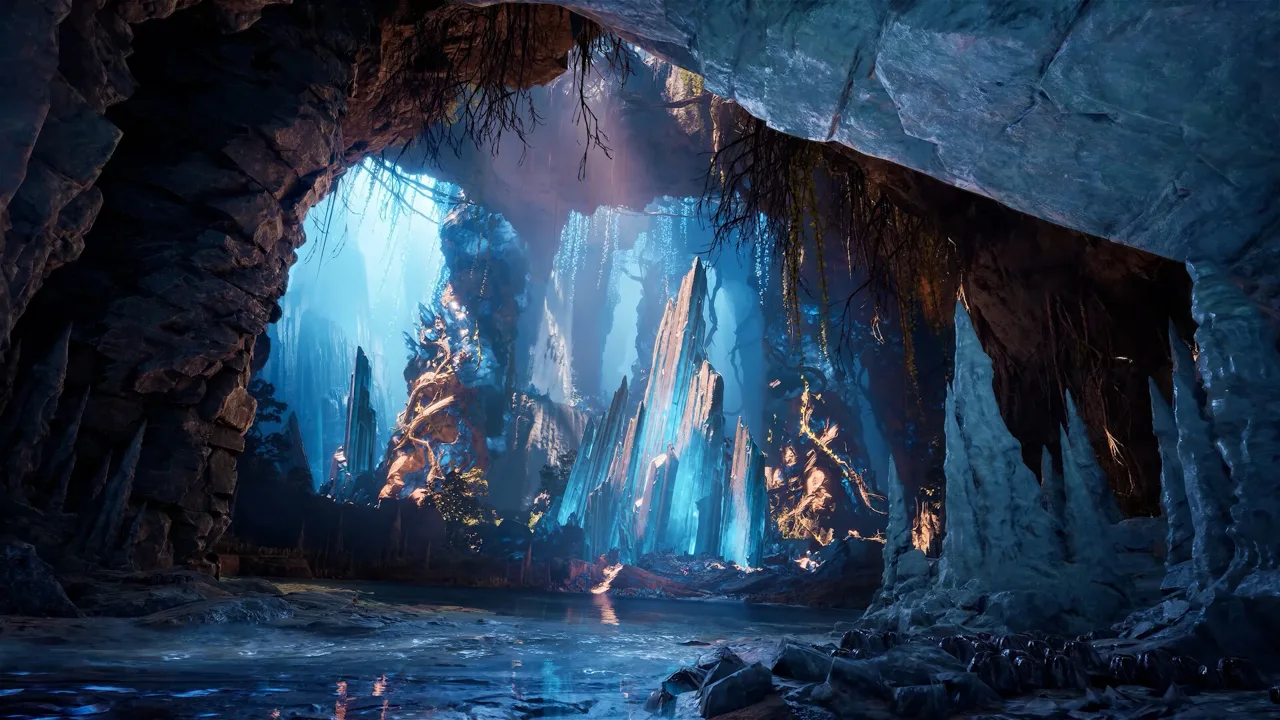 Image: Steam / NC
Free players could enter early access worlds once the full launch began, but world capacity could prevent them from joining a particular server. Buying early access never guaranteed that your friends would have room to join later.
The global region choices are:
- NA East
- NA West
- South America
- Central Europe
- Japan
There is no dedicated Oceania region in this launch lineup. If you are playing from Oceania, compare your connection to the available regions before choosing a world.
Agree on More Than a Region
Coordinate region, faction, primary world, and backup world with your friends before character creation. Sharing a region alone does not settle all the choices that affect playing together.
The two factions have the same eight launch classes, so you do not have to sacrifice your preferred class to match your group. Faction choice changes your starting area, story, visual identity, legion community, and PvP allegiance. Opposing factions use separate home worlds and cannot simply group up as though the choice were cosmetic.
Dungeon matchmaking extends beyond your individual world within the same region. That broader matchmaking pool does not remove the need to coordinate factions and worlds with a regular group.
Plan Around Capacity
If a friend’s early access world is full, check your agreed backup before creating a character elsewhere. Keep your group’s choices together instead of relying on a later transfer to repair a split.
World transfers are planned, but launch transfer timing and rules remain unresolved. Choose a world you are prepared to stay on while building your character.
For players arriving after the AION 2 Global release date, checking where friends actually play is more useful than choosing a world solely because it opened earlier.
Launch Classes and Progression Priorities
The global version launches with eight classes. Brawler exists overseas but is outside the global launch roster.
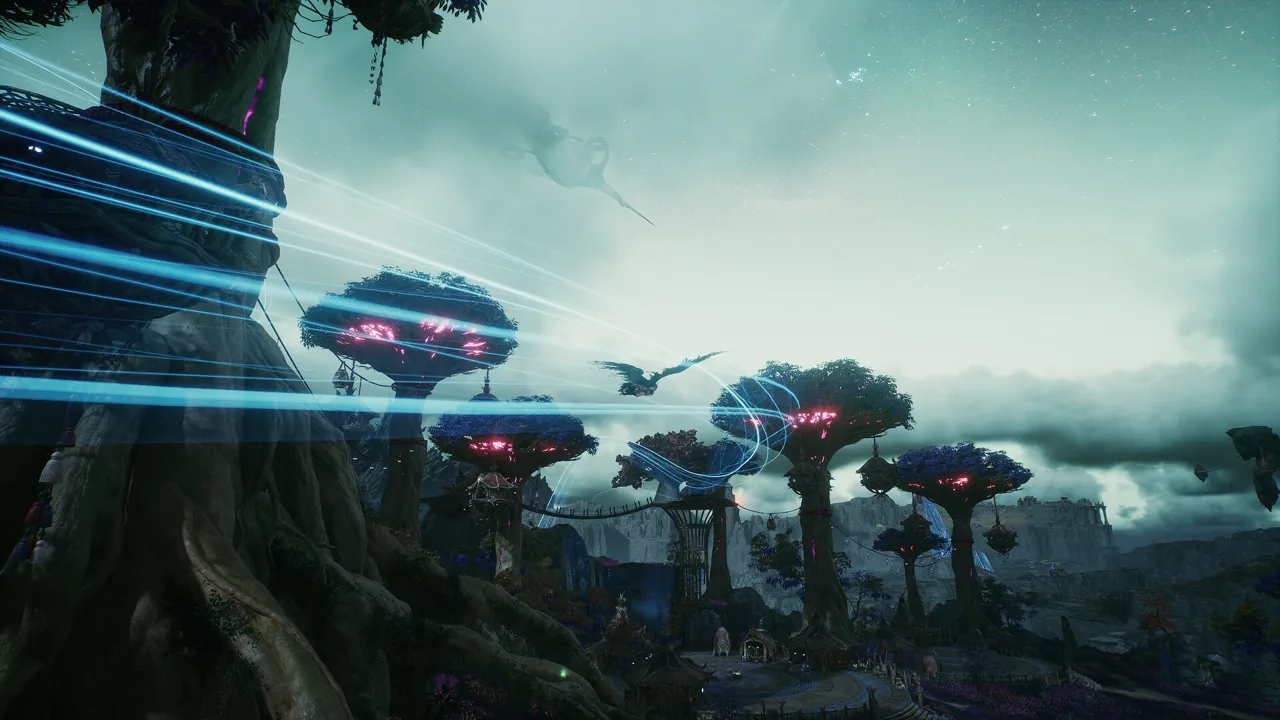 Image: Steam / NC
Choose your main around the role you want to play. Global uses a modified Season 1 setup, while Korean and Taiwan versions have different progression and balance. A tier list for another version can rank classes under conditions your character will not encounter at the same stage.
| Class | Core role and playstyle |
|---|---|
| Templar | Durable tank with a central role in group defense |
| Gladiator | Flexible melee bruiser |
| Assassin | Stealth and melee burst with demanding timing |
| Ranger | Mobile physical ranged damage |
| Sorcerer | Ranged magic burst and area damage |
| Spiritmaster | Summons, control, debuffs, and solo utility |
| Cleric | Dedicated healing |
| Chanter | Hybrid support with buffs and supplemental healing |
Pick Templar if you want to tank, or Cleric if healing is your priority. Consider Chanter if you want a support role that mixes buffs with additional healing.
For damage roles, decide whether you want close-range execution, mobile ranged attacks, or spellcasting. Assassin’s timing requirements are a different commitment from Ranger’s ranged playstyle. Spiritmaster adds summons and control, while Sorcerer focuses on burst magic and area attacks.
Use Global Progression Values
Start with the main story because it unlocks important systems. Keep region and map progression in view as well: broader world completion contributes to permanent progression.
Before entering a dungeon repeatedly, inspect its reward preview. Important first clears deserve attention, and repeating an activity does not automatically mean receiving the same full payout.
Keep these priorities in mind:
- Advance the main story to open important systems.
- Complete meaningful map objectives alongside story progress.
- Inspect first-clear rewards before choosing repeat activities.
- Protect scarce upgrade materials from spending based on overseas breakpoints.
- Plan PvE and PvP separately because their equipment paths and activities differ.
Pet progression is another concrete version difference. The global setup limits pet progression to level three rather than the level-five target used in overseas advice.
The AION 2 Global release date brought a specific version of the game, not a copy of every system currently available overseas. Use global reward values, upgrade requirements, and pet limits when planning your character.
PC Requirements and Performance Preparation
Before downloading, compare your PC against the minimum and recommended requirements. Both call for a 64-bit Windows installation, DirectX 12, broadband internet, and 100 GB of available storage.
| Component | Minimum | Recommended |
|---|---|---|
| Operating system | Windows 10/11, 64-bit | Windows 10/11, 64-bit |
| Processor | AMD Ryzen 5 2600 or Intel Core i5-10500 | AMD Ryzen 7 3700X or Intel Core i7-11700 |
| Memory | 8 GB RAM | 16 GB RAM |
| Graphics | NVIDIA GTX 1050 Ti, 4 GB | NVIDIA RTX 2070, 8 GB |
| DirectX | Version 12 | Version 12 |
| Storage | 100 GB available | 100 GB available |
| Drive guidance | SSD recommended | SSD recommended |
| FHD graphics guidance | Very Low preset | Low preset |
The recommended specification still pairs FHD resolution with the Low graphics preset. Set your initial expectations around that guidance instead of assuming recommended hardware means maximum settings.
Update your graphics drivers before playing. Then separate graphics performance from network behavior when troubleshooting. A frame-rate problem and an unstable connection need different adjustments.
Check your connection to the region you intend to use, especially if you are choosing between nearby friends and a more distant group. Combat emphasizes timing and positioning, and faster classes can feel different as latency changes.
Finish these checks before settling into your character: install the retail client, confirm storage space, match your friends’ region and faction, and inspect the world’s capacity. With the AION 2 Global release date behind us, those decisions shape your start more directly than another countdown.
FAQ
What Is the AION 2 Global release date?
AION 2 Global released on October 5, 2026, for Windows PC. Paid five-day early access began on September 30. The full release opened free-to-play access and introduced new launch worlds.
Do I Need a Founder Pack to Play AION 2?
No. Free-to-play access began on October 5. Founder packages included early access, 30-day membership, and tier-specific items. Membership and passes can affect economy access, convenience, and progression rewards, so review their contents separately from the free download.
Can Free Players Join Early Access Servers?
Yes, free players could enter early access worlds from October 5, subject to world capacity. Coordinate with friends before creating a character, and keep a backup world ready if your preferred world is full.
How Much Space Does AION 2 Need on PC?
AION 2 requires 100 GB of available storage, and an SSD is recommended. The preload was approximately 81 GB. Install the retail client separately from any playtest version, since test files do not automatically convert into the launch client.
Continue with
 AION 2 Global Early Access: Dates, Packs, and ServersAION 2 Global early access starts September 30, with the free-to-play launch on October 5. Check package terms: downloading does not grant early entry.
More in Release
AION 2 Global Beta: Playtest Changes and Launch Guide
Explore AION 2 Global beta changes, regional servers, free-to-play perks, and PC requirements. Learn what matters for aerial combat and a new adventure.
AION 2 Global Pre Register: Rewards and Signup Guide
AION 2 Global pre register explained: learn how newsletter signup works, check launch mount rewards and deadlines, and get ready to play on Windows PC.
Join the community
Official channels for news, updates and player help: