
AION 2 Global Server Status: Maintenance and Fixes
Check AION 2 Global server status, review the October 9 maintenance times, and learn how to separate server downtime from queues, lag, and PC performance.
Jump to
AION 2 Global Server Status: Latest Dated Update
Getting stuck outside Atreia can cost you a dungeon session, but changing settings during maintenance will only waste your time. Check AION 2 Global server status before troubleshooting so you can separate a server shutdown from a crowded world or a connection problem. The latest dated AION 2 Global server status update covered here is the October 9, 2026 maintenance, which ended with servers returning at 10:00 AM CEST.
By 10:15 AM CEST that day, servers were running normally again. That gives you a clear endpoint for the October 9 outage. Use the current notice for your region when planning another session, especially if an older maintenance announcement is still appearing in search results.
The maintenance window below applied to Europe. Keep the CEST label attached to these times when sharing them with your group.
| October 9 maintenance milestone | Time in CEST | What happened |
|---|---|---|
| Maintenance began | 8:30 AM | Servers went offline |
| Scheduled reopening | 10:00 AM | The planned maintenance window ended |
| Servers reopened | 10:00 AM | Players could reconnect |
| Follow-up status | 10:15 AM | Servers were running normally |
The scheduled downtime lasted approximately one hour and 30 minutes. During that window, players were disconnected and could not reconnect. A download becoming available did not mean the worlds had reopened: the update was available at 8:52 AM, while servers remained offline until 10:00 AM.
That distinction matters whenever you see your client finish patching. Your installation can be ready while the game service is still undergoing maintenance.
How to Check Server Availability Before Troubleshooting
Start an AION 2 Global server status check by matching three things: the announcement date, the affected region, and the maintenance time zone. An accurate notice for a different region can still send you down the wrong troubleshooting path.
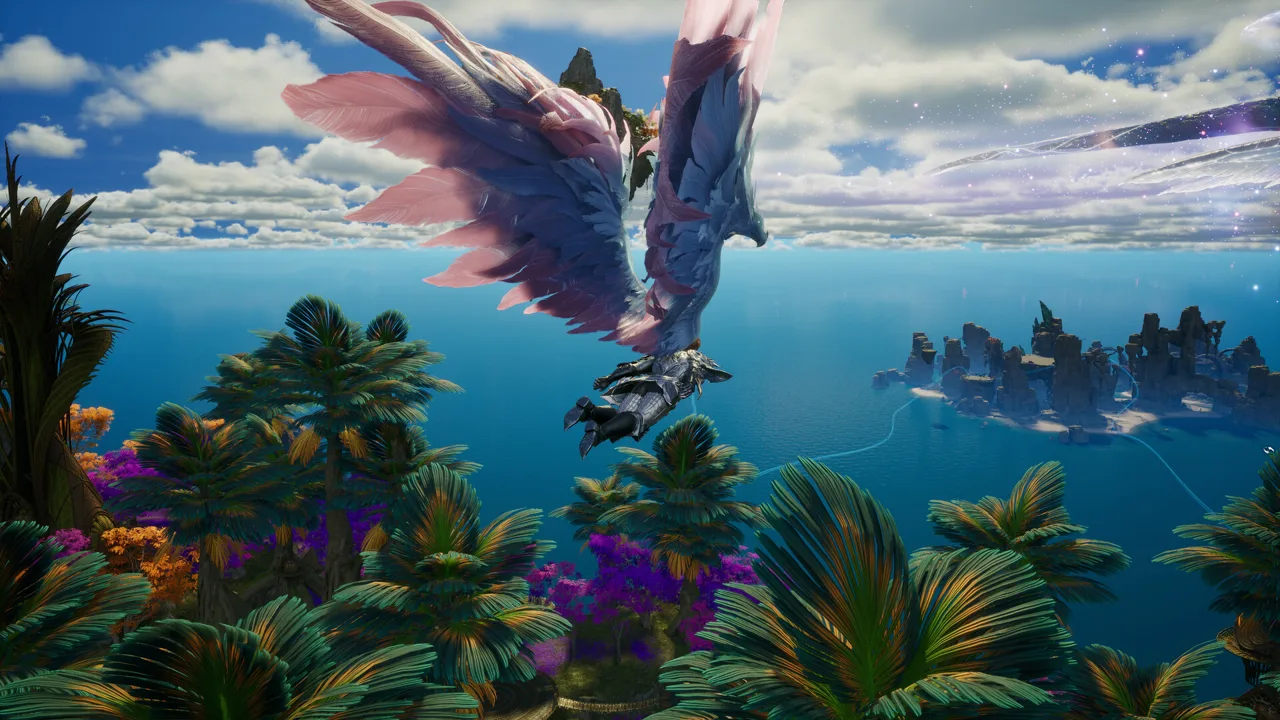 Image: Steam / NC
Open the official AION 2 website or visit the AION 2 Steam page to access the game’s official information and announcements. Read the latest maintenance communication before changing your setup.
Follow this order:
- Check whether maintenance overlaps your session.
- Match the notice to your selected region.
- Look for an updated completion time or reopening announcement.
- Check your selected world’s availability separately from the maintenance notice.
- Move on to connection or graphics troubleshooting once you have ruled out scheduled downtime.
Keep the date visible when discussing an outage with your legion. “Servers reopened at 10” leaves out the information everyone needs: which day, which region, and which time zone. Share the full maintenance window instead.
What changed in the October 9 update?
The October 9 patch included server stabilization and increased flight power for four quest-earned wings. The downloadable update was 157.1 MB.
| Patch item | Before the update | After the update |
|---|---|---|
| Server stabilization | — | Included in the patch |
| Daevas Minor Wings, Elyos/Asmodian | 2,000 flight power | 2,500 flight power |
| Daevas Advanced/Quality/Master Wings, Elyos/Asmodian | 500 flight power each | 1,000 flight power each |
| Total increase across the four wings | — | 2,000 flight power |
The wing changes are useful to know when returning after maintenance, particularly if you are comparing your character with an older progression guide. Use the October 9 values for those wings rather than their previous numbers.
Players affected by the preceding day’s server issues also received compensation through their mailboxes. Check your mailbox for those gifts and read their claim conditions before leaving them unattended; the compensation had a limited claim window.
Server Downtime, Full Worlds, Lag, and Low FPS
A failed login and a rough combat session need different responses. AION 2 Global server status tells you about service availability, but it does not explain every delay you encounter after reaching character selection.
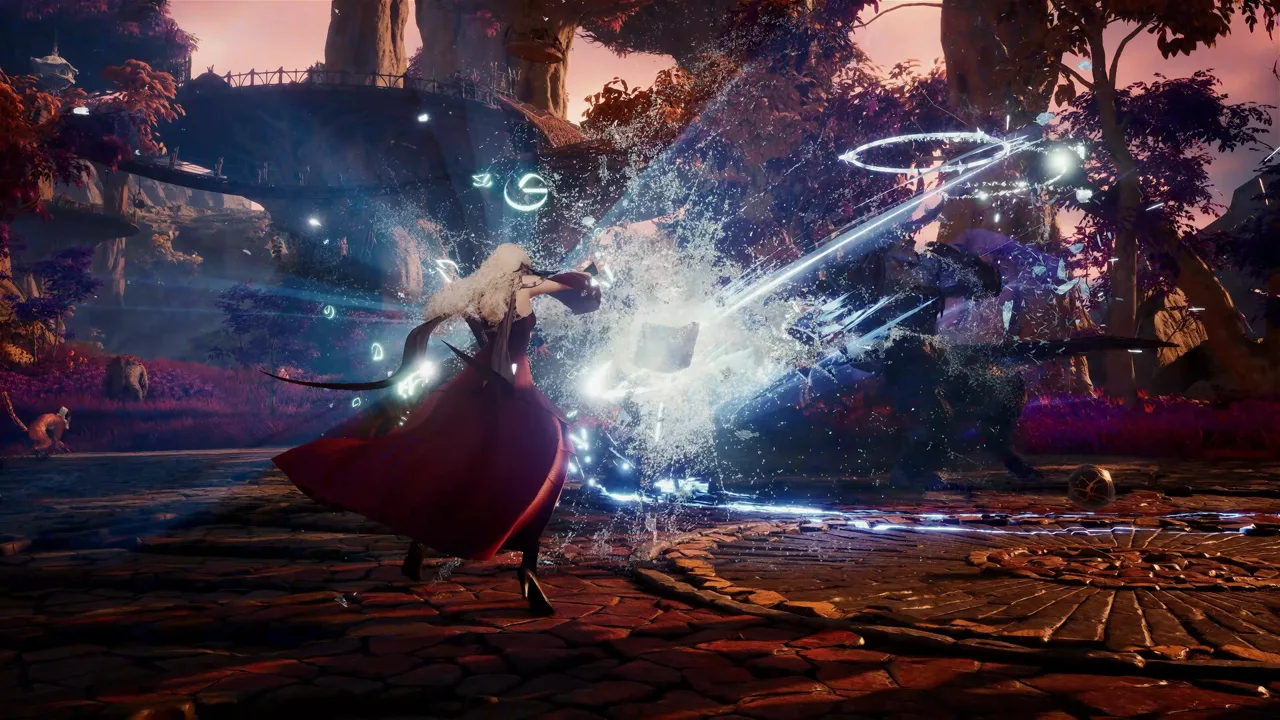 Image: Steam / NC
Separate the symptoms before making changes. Maintenance affects access to the game. A full world affects whether you can join that world. Network latency affects responsiveness, while low frame rates affect how smoothly your PC displays the action.
| Situation | What it means for your session | What to check |
|---|---|---|
| Scheduled maintenance | You cannot play or reconnect during the shutdown | Region, date, and maintenance window |
| Full world | Your intended world can be unavailable to join | Your group’s agreed backup world |
| High or inconsistent ping | Combat timing can feel less responsive | Connection quality to the selected region |
| Low FPS | The game looks or feels choppy locally | Graphics settings, drivers, and PC requirements |
| Client update available | You can download the patch | Whether maintenance has actually ended |
When maintenance is the problem
Wait for the reopening announcement rather than repeatedly adjusting graphics settings. The October 9 downtime affected access to the servers, so a different resolution or graphics preset could not restore entry.
Do not treat a scheduled end time as a promise that maintenance must finish early. During the October 9 window, servers remained inaccessible at 9:55 AM and reopened at 10:00 AM. Plan your group’s start around actual availability.
When your connection is the problem
Check the connection to the region you intend to play in. Latency matters for skill timing and combos, especially when your class relies on quick execution.
Prioritize consistency when comparing connections. A stable response throughout a fight is more useful than a low ping reading that repeatedly spikes. Keep that distinction in mind before choosing a distant region simply because friends already have characters there.
When your PC is the problem
Update your graphics drivers and compare your hardware with the game’s requirements. AION 2 runs on Windows PC and requires DirectX 12, broadband internet, and 100 GB of available storage. An SSD is recommended.
The minimum specification includes 8 GB of RAM and a GTX 1050 Ti with 4 GB of graphics memory. The recommended specification includes 16 GB of RAM and an RTX 2070 with 8 GB of graphics memory. For FHD resolution, the minimum configuration calls for the Very Low preset, while the recommended configuration calls for Low.
Use those presets as starting points when diagnosing performance. Keep graphics adjustments separate from a maintenance investigation so you can tell which change actually helps.
Pick the Right Region and Coordinate Your World
Checking AION 2 Global server status becomes more useful once you know exactly where your group plays. The global launch client includes NA East, NA West, South America, Central Europe, and Japan.
 Image: Steam / NC
| Global launch region | What to coordinate before joining |
|---|---|
| NA East | Agree on the region and test your connection |
| NA West | Match your friends’ region selection |
| South America | Check connection consistency before committing |
| Central Europe | Read maintenance notices with their stated time zone |
| Japan | Check latency from your location |
The global launch setup did not include a dedicated Oceania region. If you are playing from Oceania, compare your connection to the available regions before settling on a world with your friends.
Your region is only part of the decision. Agree on your faction and home world as well. Elyos and Asmodian have separate home worlds, different starting areas, and opposing PvP allegiances. Picking the same region does not place friends on the same side.
Dungeon matchmaking extends beyond your individual world within the same region. That broader matchmaking does not remove the need to coordinate your faction and home-world choice for your group’s plans.
Early-access worlds and launch worlds
Early-access worlds opened on September 30, followed by new launch worlds on October 5. Free-to-play access began October 5, and free players could also enter early-access worlds from that date, subject to world capacity.
A world filling up is different from the servers going offline. Keep an agreed backup world ready, particularly when your group started on different dates.
World transfers are planned, but do not build your group’s immediate plans around a transfer. Coordinate where everyone can actually enter and play together now.
Prepare for Maintenance Without Wasting Your Session
Before another maintenance window, finish what you are doing and log out somewhere safe. The October 9 shutdown disconnected players, so avoid starting an activity that overlaps an announced outage.
Use the downtime to handle preparation that does not require entering Atreia. Download an available update, review the patch changes, and settle your group’s region, faction, and world choices.
Keep this checklist handy:
- Install the retail client rather than relying on playtest files.
- Finish downloading the available patch.
- Leave the required storage space available.
- Update your graphics drivers.
- Compare your PC with the minimum and recommended requirements.
- Check the maintenance date and time zone before arranging a dungeon session.
- Agree on a backup world before capacity becomes a problem.
The retail client requires a separate download from the playtest client. The preload was around 81 GB, while the stated storage requirement is 100 GB. Plan around the storage requirement rather than assuming the preload size represents all the space you need.
After reopening, check AION 2 Global server status again if access remains difficult, then work through the symptom table above. Record your region, world, and what happens when you try to enter. Those details help you distinguish a world-specific access problem from poor responsiveness once you are already playing.
Once you are back in the game, review the patch before following an older build or progression guide. Global uses a modified Season 1 setup, and Korean or Taiwan progression numbers do not automatically fit it. Check reward previews before spending limited materials, and use the updated wing values when assessing your flight power.
Keep your troubleshooting focused. Maintenance calls for waiting, world capacity calls for coordination, latency calls for checking your connection, and low FPS calls for reviewing your PC setup.
FAQ
Are AION 2 Global servers down right now?
The latest dated AION 2 Global server status update covered here records servers reopening at 10:00 AM CEST on October 9, 2026, with normal operation noted at 10:15 AM. Check the latest official announcement for your region before your next login.
How long did the October 9 maintenance last?
The European maintenance window ran from 8:30 AM to 10:00 AM CEST, approximately one hour and 30 minutes. Players could not reconnect during that period.
Why can’t I join my friends’ world when servers are online?
World capacity can prevent entry even while the game service is running. Coordinate your region, faction, primary world, and backup world with your friends. Free-to-play access to early-access worlds does not guarantee available space.
Will changing graphics settings fix a server outage?
Graphics settings affect local performance and cannot reopen servers during maintenance. Check service availability first. If you can enter the game but experience low FPS, review your drivers, hardware, and graphics preset.
Continue with
 AION 2 Global Server List: All 98 Worlds by RegionExplore the AION 2 Global server list with 98 worlds, faction names, regional populations, and tips to choose a server and coordinate with your friends.
More in Servers
See all Servers
Popular pages
AION 2 Global Release Date: Launch and Server Guide
See the AION 2 Global release date, early access times, server regions, PC requirements, and launch tips before choosing your faction and joining friends.
AION 2 Global Tier List: Best Classes for PvE and PvP
Use this AION 2 Global tier list to compare classes for PvE, Abyss Siege, and duels, then weigh ping and party roles before choosing your main. Start here.
AION 2 Global Controls: Keybinds, Combat, and UI Guide
Master AION 2 Global controls with practical tips for keybinds, targeting, flight, skill chains, macros, and HUD settings. Make combat easier to follow.
AION 2 Global Brawler: Release Window and Class Guide
Explore AION 2 Global brawler release expectations, Korean class details, and Rampage combat. Plan your melee character while playing the launch roster.
Join the community
Official channels for news, updates and player help: